SMSTunnel for WordPress
Core plugin, required by every SMSTunnel add-on for WordPress
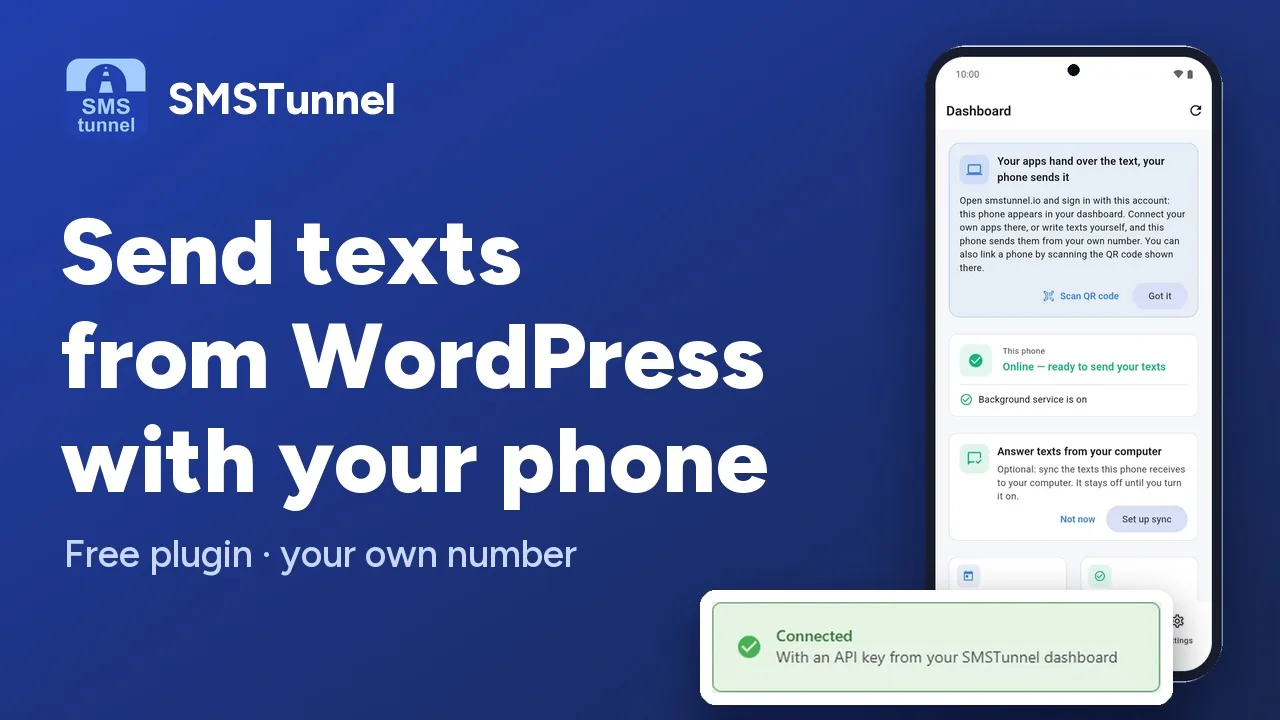 Play the video: Send texts from WordPress through your own phone (1:23)
Description
SMSTunnel for WordPress is the core plugin that links your own WordPress site to your Android phone: the texts your site needs to send (login codes, form and order notifications) are handed to your phone, which sends them from your own number. It is required for all other SMSTunnel WordPress integrations.
Your own Android phone delivers your site's messages from your number and your mobile plan. You link the site by scanning its QR code with the app, and you can remove the link at any time.
Features
- Quick Setup with QR Code - Scan a QR code with the SMSTunnel app to connect your phone instantly
- Form Texts, Built In - For Fluent Forms and Forminator: a text to you when a form is submitted, and a confirmation to the person who filled it in
- Sign-in Codes for WordPress Logins - Optional SMS 2FA for wp-login.php (and the WooCommerce My Account login), for the roles you choose, with your own message template ({code}, {site_name}, {expiry}). A user without a number on file can add and confirm one when signing in
- Send SMS - Write a text from the WordPress admin, for example a test
- SMS History - The texts your site handed to your phone, and whether SMSTunnel accepted them
- Choose the Phone - An optional Device ID in Settings sends from one specific phone of your account
- End-to-End Encryption - Optional: your site encrypts its texts for your phone before they leave WordPress (sign-in codes are not encrypted)
- For Developers -
smstunnel_send_sms()sends a text from your own theme or plugin code; see SMSTunnel → Developer Docs
Installation
- In your WordPress admin, go to Plugins → Add Plugin and search for SMSTunnel (or open wordpress.org/plugins/smstunnel)
- Click Install Now, then Activate
- Install the SMSTunnel app on your Android phone from Google Play
- Go to SMSTunnel → Quick Setup
- In the SMSTunnel app, open Connections → Link with QR code, scan the QR code and approve the connection on your phone
- Or, instead of the QR code: get a key with the steps for WordPress (Apps → Add an app → WordPress → Create the key), then paste it in SMSTunnel → Settings, under Connect with API Key, and click Connect
- To unlink the site later, remove the connection in the app (Connections), or delete its key in your dashboard (Apps) if you connected with a key
Requirements
- WordPress 5.0 or higher
- PHP 7.4 or higher
- SMSTunnel Android app installed on your phone (get it on Google Play)
- Active SMSTunnel account (free tier available)
Changelog
The current version and its full changelog are on the plugin's WordPress.org page. WordPress shows you updates in Dashboard → Updates.
Build it with an AI assistant
Copy this prompt into Claude, ChatGPT, Cursor or Copilot and replace the part in [brackets]. Don't paste your API key into the chat: the prompt doesn't need it.
Help me set up the SMSTunnel plugin on my WordPress site.

About SMSTunnel (https://smstunnel.io): my own apps and tools hand text messages (SMS) to my SMSTunnel account, and my own Android phone sends them from my own number, on my own SIM and plan. The phone runs the SMSTunnel app from Google Play (https://play.google.com/store/apps/details?id=io.smstunnel.app), signed in to my account.

What I want: [describe what should send a text, to whom, and when]

How it works:
- Install: Plugins → Add Plugin → search "SMSTunnel" (https://wordpress.org/plugins/smstunnel/) → Install Now → Activate.
- Link the site to my phone: SMSTunnel → Quick Setup, then scan the QR code with the SMSTunnel app (Connections → Link with QR code) and approve on the phone. Other ways, in SMSTunnel → Settings: "Connect with API Key" (a key from my dashboard, Apps → Add an app), Google, Facebook or email. To unlink a site linked with the QR code, remove the connection in the app (Connections); a site connected with an API key or by signing in is unlinked by deleting that key in my dashboard (Apps).
- Menu: SMSTunnel → Settings, Send SMS, SMS History, Inbox, Developer Docs, Quick Setup. Settings → "API Configuration": "Server URL", "API Key", "Device ID" (optional: which of my phones sends), "Test API Connection".
- Sign-in codes for WordPress logins: SMSTunnel → Settings → "Two-Factor Authentication (2FA)": "WordPress Login 2FA" (also covers the WooCommerce My Account login), "Require 2FA for roles" (default: administrator), "Code expiry (minutes)" 1 to 30 (default 5), "Code length" 4 to 8 digits (default 6), "2FA Message Template" (default "Your {site_name} verification code is: {code}. Valid for {expiry} minutes."), "Server Fallback" (off by default), "Remember Device". The text carries the code as "12-345678"; the user types only the digits after the dash.
- The 2FA phone number comes from the user's profile: billing_phone, phone, or the "Phone Number" field in the "SMSTunnel 2FA" section. Emergency access during an SMS outage: define('SMSTUNNEL_2FA_EMERGENCY_BYPASS', true); in wp-config.php, removed as soon as texts work again.
- Built in since 1.0.13: texts for Fluent Forms and Forminator forms. Add-ons exist for WooCommerce, Contact Form 7, WPForms and Gravity Forms (on WordPress.org).
- Optional end-to-end encryption (in Settings): the site encrypts texts for my phone before they leave WordPress; sign-in codes are not encrypted.
- For custom code, the core plugin has smstunnel_send_sms($phone, $message, $args = array()), with $args 'is_2fa' (sends through the sign-in code endpoint), 'order_id' and 'source'; it returns an array with 'success' and 'messageId', or 'error'. smstunnel_sanitize_recipient($phone) returns the number in international format, or '' when it is invalid or premium-rate.

Rules for your answer:
- Do not ask for my SMSTunnel password or API key and do not put a real key in your answer; I will not paste it in this chat.
- Phone numbers must be in international format (+ and the country code).
- Help me test it with my own number first.
- Only send texts people expect from me. No unsolicited texts.