Help for the SMSTunnel app for Shopify
Order texts from your own Android phone and number.
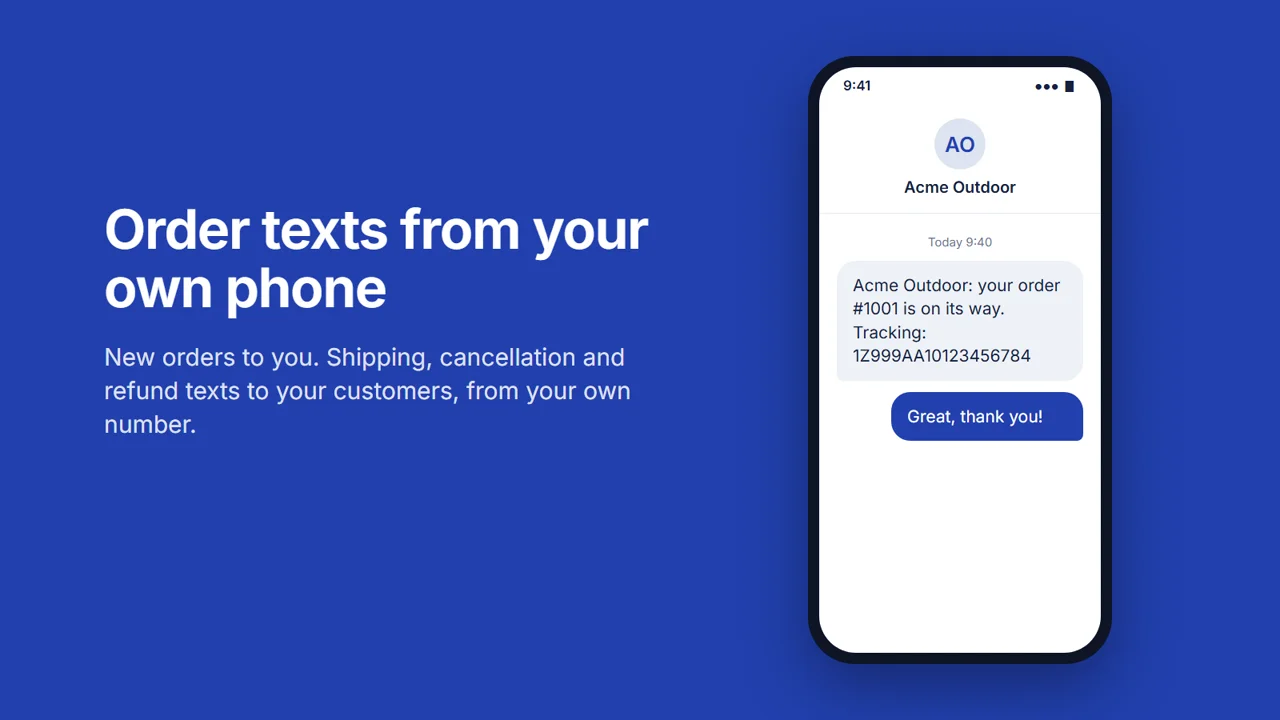 Play the video: SMSTunnel for Shopify: order texts from your own Android phone (1:44)
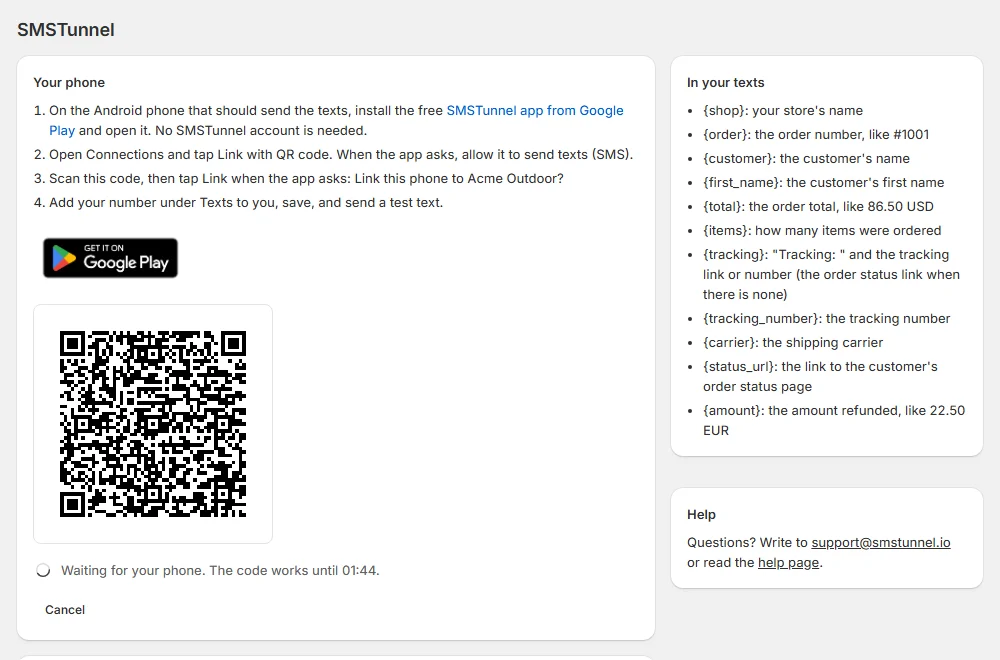
Set it up
- 1. On the Android phone that should send the texts, install the
free SMSTunnel app from Google Play and open it. No SMSTunnel account is needed.

- 2. Open Connections and tap Link with QR code. When the app asks, allow it to send texts (SMS).
- 3. Scan the QR code shown in the SMSTunnel app in your Shopify admin (Show the QR code), then tap Link when the phone asks "Link this phone to your store?".
- 4. Add your number under Texts to you, save, and send a test text.
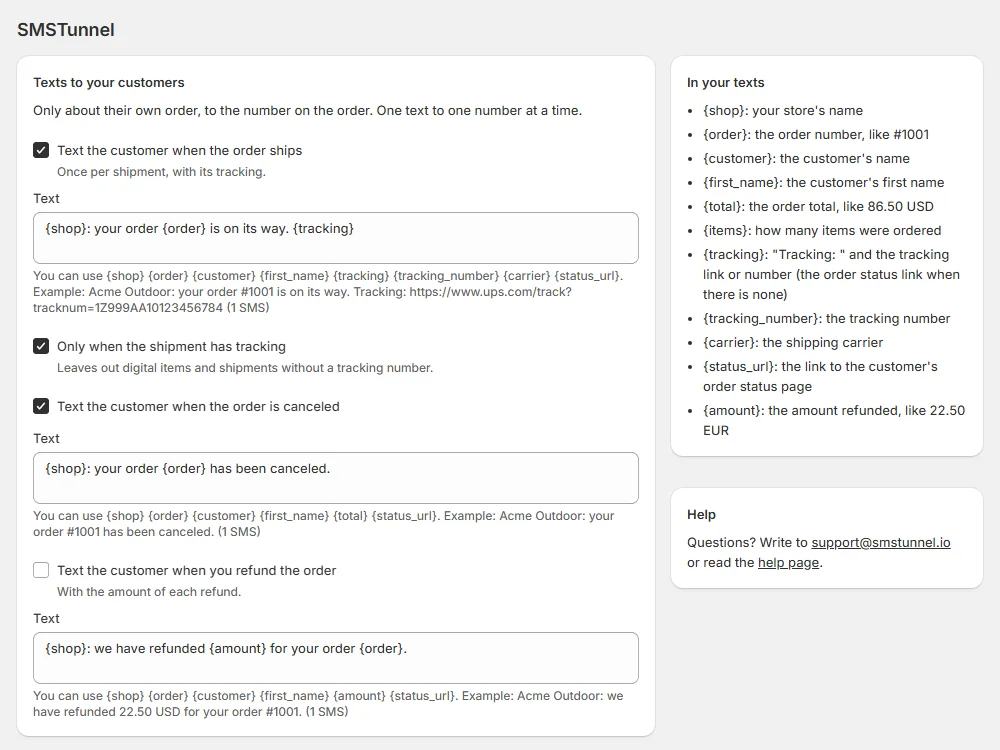
Which texts
- One to you for each new order, on up to 5 of your numbers.
- One to the customer when an order ships (with the tracking link), is canceled or is refunded.
-
You can edit the words of each text, with placeholders such as
{order},{first_name}and{tracking}. - One text goes to one number, about that customer's own order.
Plans
Billed by Shopify, on your store's Shopify bill.
Free
$0 a month
100 texts a month
Starter
$9 a month
1,000 texts a month
Standard
$19 a month
5,000 texts a month
Professional
$39 a month
No monthly cap
- The paid plans start with a 7-day free trial.
- Each text to one number counts once, test texts included. The count starts again on the 1st of each month (UTC).
- Texts go through your phone's SIM card, so your carrier's SMS rates apply.
Safe by default
SMSTunnel never texts short or premium-rate numbers. To keep texts inside your country, turn off Allow numbers abroad in the SMSTunnel app's Settings, or choose the Allowed countries.
Questions
- Do I need an SMSTunnel account?
- No: the QR code links the phone to the store.
- Can one phone serve several stores?
- Yes: scan each store's QR code with the same phone.
- What if the phone is offline?
- Texts wait at SMSTunnel and go out when the phone is back online.
- I already use SMSTunnel.
- Instead of the QR code, you can link with a key from your SMSTunnel dashboard (I already use SMSTunnel in the app): texts go from your account's phones and also show in that dashboard. The plan you choose in the app applies, as for every store.
- What does the app keep?
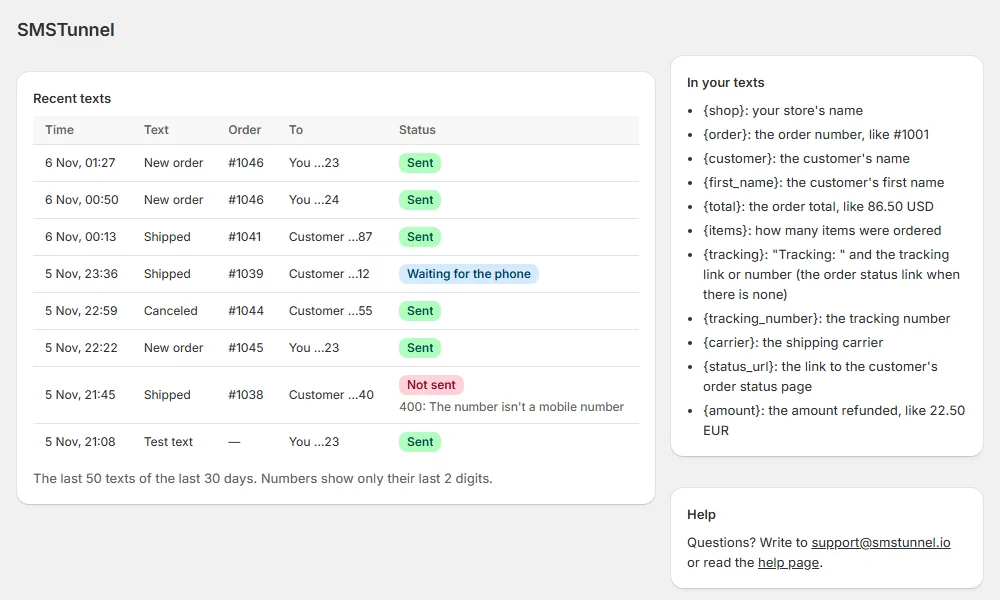
- For each text: the order number, the time, the kind of text, its status and the number's last 2 digits; never the words. It keeps them for 30 days, and a store's data is deleted 48 hours after the app is uninstalled. Details: privacy policy and terms for merchants.
- How do I unlink?
- In the app, under Your phone, click Unlink. Or uninstall the app.
Contact: support@smstunnel.io