n8n
Let your workflows text you through your own phone
n8n-nodes-smstunnel 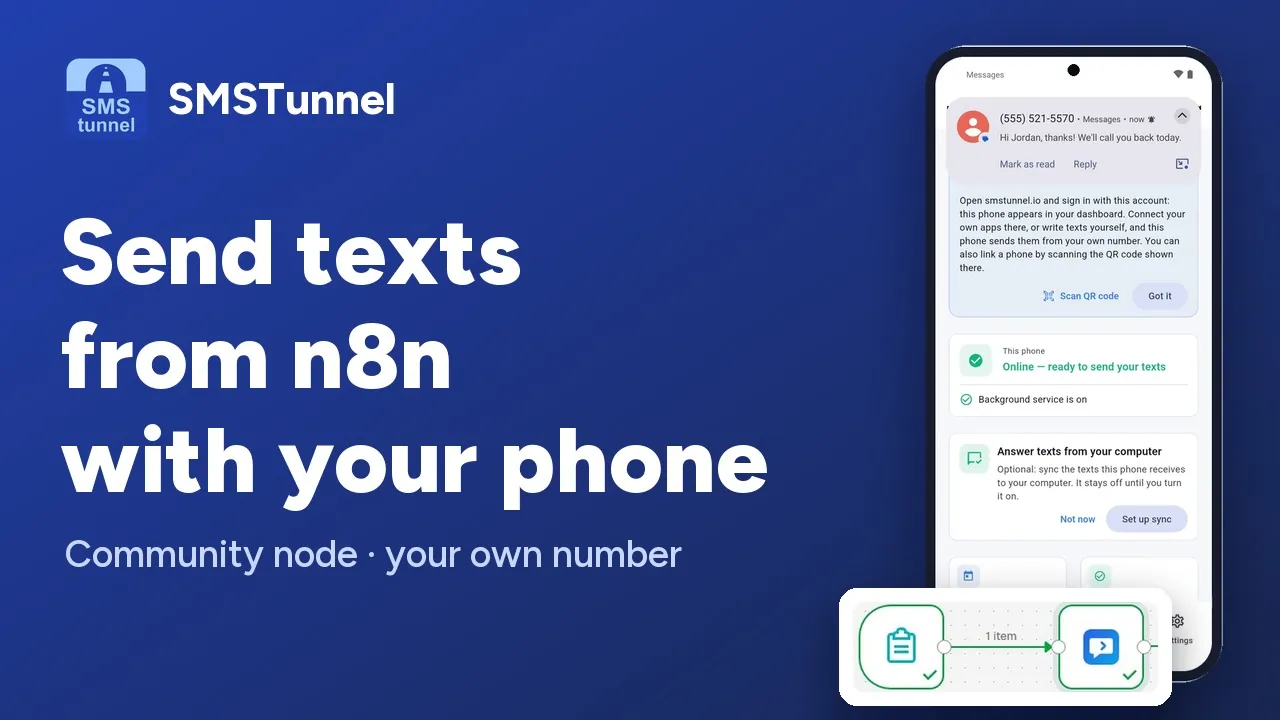 Play the video: Send texts from n8n through your own phone (1:44)
Your workflows, your phone
n8n already connects to hundreds of services. With this node, your workflows can hand a text to your own phone, on your own SIM — no per-message fees from us, and no third-party SMS provider in between.
1. Install the node
- 1. In n8n, open Settings → Community Nodes
- 2. Click Install
- 3. Enter
n8n-nodes-smstunnel - 4. Accept and install
mkdir -p ~/.n8n/nodes && cd ~/.n8n/nodes
npm install n8n-nodes-smstunnel
2. Get your key
- 1. Install the SMSTunnel app from Google Play on your Android phone and sign in.
- 2. In your dashboard, open Apps → Add an app, pick n8n, name it (for example "n8n") and click Create the key.
- 3. Copy the key right away: it's shown only once. You can stop or delete the app there anytime, and n8n can't send texts anymore.
Get the steps with your key in them
It opens Add an app with n8n picked. Once the key is made, the dashboard shows every step and command with the key already filled in, ready to copy.
The key can send texts (sms:send) and look
up whether they went out (sms:read). For
Get Received, also tick Can also read received texts.
3. Add your credentials
In n8n, create new SMSTunnel API credentials with the key:
| Field | Value |
|---|---|
| API Key | Your key. Sent as the X-API-Key header. |
| Base URL | https://smstunnel.io — change only for a self-hosted instance. |
Click Test to confirm the key works before saving.
4. Available operations
- Send — one recipient
- Send to several recipients — the same text to a few people at once
- Send 2FA Code — separate quota
- Get Status — delivery state
- Get Received — texts synced from your phone, if you turned on sync and allowed the key to read received messages (
sms:inbox)
- Get Usage — quota and consumption
- Get Many — paired phones
Example: alert me when a workflow fails
This is the highest-value use of the node. When any workflow breaks, you get an SMS — which still arrives even if the destination has no internet connection.
- 1. Add an Error Trigger node
- 2. Add the SMSTunnel node → Resource Message → Operation Send
- 3. Set To to your number, and Message to the expression below
Workflow {{$json["workflow"]["name"]}} failed:
{{$json["execution"]["error"]["message"]}}
Example: appointment reminders
A daily schedule reads tomorrow's bookings from your database or calendar and texts each person who booked with you a reminder, from your own number — so they can simply reply.
Use the Default Country Code field (e.g. +40)
so local numbers stored without a prefix still work.
Limits worth knowing
- 30 requests per minute. To text a few people at once, put them in one request instead of a loop. A request takes up to 100 numbers; the node stops with a clear message if you pass more.
- 1600 characters per message (10 concatenated SMS). 2FA messages are capped at 320.
- 2FA validation. The server rejects a 2FA message that doesn't contain a recognizable code — include it in the text, e.g. "Your code is 12-345678".
- Enable "Continue On Fail" if you'd rather have failed items return an
errorfield than stop the whole workflow.
Build it with an AI assistant
Copy this prompt into Claude, ChatGPT, Cursor or Copilot and replace the part in [brackets]. Don't paste your API key into the chat: the prompt doesn't need it.
Help me build an n8n workflow that sends text messages from my own phone with SMSTunnel.

About SMSTunnel (https://smstunnel.io): my own apps and tools hand text messages (SMS) to my SMSTunnel account, and my own Android phone sends them from my own number, on my own SIM and plan. The phone runs the SMSTunnel app from Google Play (https://play.google.com/store/apps/details?id=io.smstunnel.app), signed in to my account.

What I want: [describe what should send a text, to whom, and when]

How it works:
- Install the community node: in n8n, Settings → Community Nodes → Install → n8n-nodes-smstunnel (or from the command line: npm install n8n-nodes-smstunnel in ~/.n8n/nodes, then restart n8n).
- Credentials "SMSTunnel API": "API Key" (sent as X-API-Key) and "Base URL" (https://smstunnel.io). The Test button checks the key.
- Node "SMSTunnel", resource Message: "Send" (To, Message); "Send to Several Recipients" (To: up to 100 numbers separated by commas, semicolons or new lines; each gets its own text; needs the phone to be online); "Send 2FA Code" (the message must contain a code of 4 to 10 digits, up to 320 characters; separate allowance); "Get Status" (Message ID); "Get Received" (texts synced from the phone; the key must be allowed to read received texts). Resource Account: "Get Usage". Resource Device: "Get Many".
- Additional Fields on the send operations: "Default Country Code" (e.g. +44; completes numbers written without + or 00 and takes precedence over the phone's own setting) and "Device ID".
- Messages up to 1600 characters. SMSTunnel allows 30 send requests a minute: to text a few people at once, use one "Send to Several Recipients" request instead of a loop of "Send".
- A failed call stops the workflow unless "Continue On Fail" is on; then the item gets an "error" field. The node does not retry after 429 (too many requests). If the phone is offline, a "Send" text waits and goes out when it is back.
- The API key comes from my SMSTunnel dashboard (https://dashboard.smstunnel.io): Apps → Add an app → Create the key. It is shown only once and can send texts and check whether they went out.

Rules for your answer:
- Do not ask for my SMSTunnel password or API key and do not put a real key in your answer; I will not paste it in this chat.
- Phone numbers must be in international format (+ and the country code).
- Help me test it with my own number first.
- Only send texts people expect from me. No unsolicited texts.
- Validate phone numbers in the workflow before sending, and handle failed items.
Responsible use
SMSTunnel is built for texting from your own phone — reminders, alerts, sign-in codes and order updates for people who expect to hear from you. Sending unsolicited messages from a consumer SIM generally breaches mobile carrier terms. Make sure your usage complies with your carrier's terms and with local regulations (in the EU, that includes GDPR and ePrivacy rules).
No phone paired yet?
Install the Android app and sign in with your account, and you're ready in about a minute.
